
Google Sheets plays an important role in Netpeak. They make your work clear, structured, and transparent. Here is another useful tip.
Protecting a sheet prevents you from downloading it or even copying some of its contents in the usual way. The following message appears when you try to copy it:

How to bypass this protection?
Open the protected sheet:
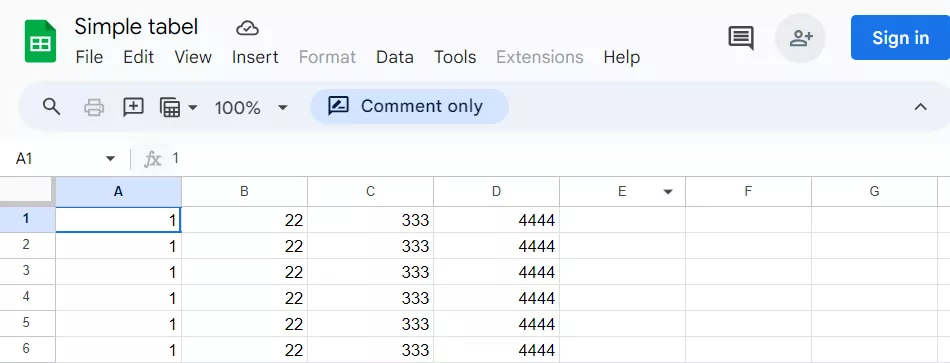
Switch to table preview mode. Replace everything from edit to preview in the URL:
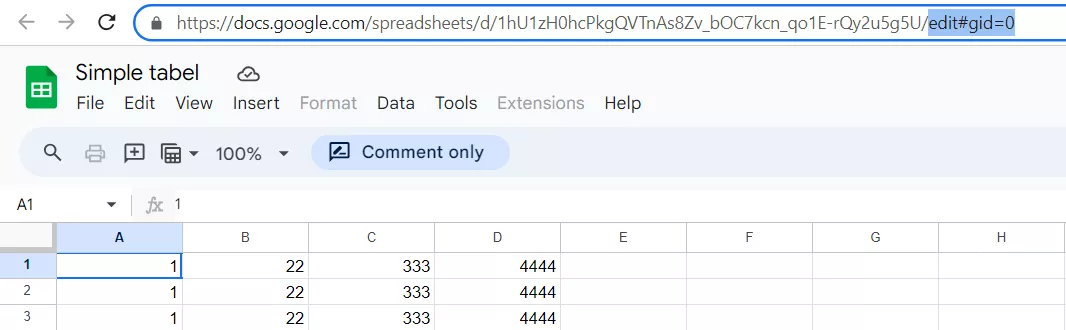
Result:
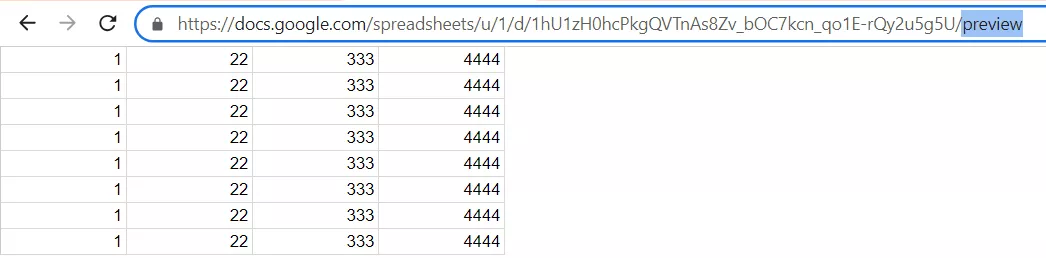
Note: a large sheet may take a while to open because it's a large HTML file.
Select and copy the content as usual: Ctrl+A – Ctrl+C.
Paste it into a new sheet:
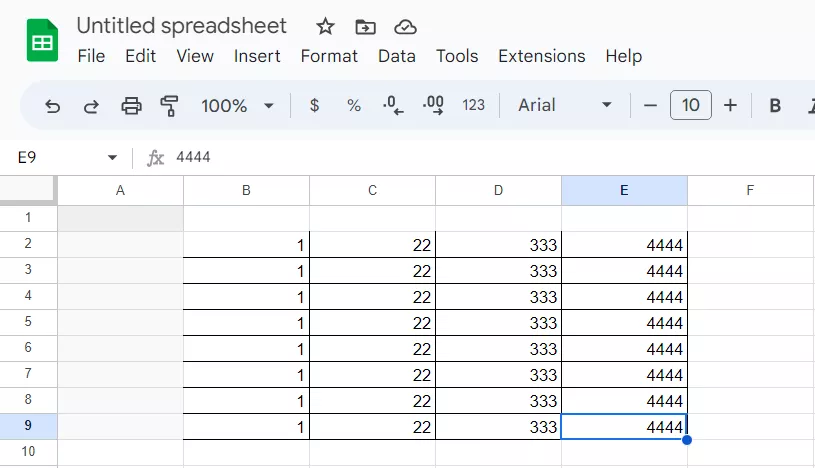
Done. You've got a table almost identical to the original one, with little adjustments to format.

 11
11
 0
0
 2
2
 9
9
Related Articles
How Does Amazon Feed Rufus Data Your Listing Never Shows (And You Didn’t Even Know It)?
Amazon feeds Rufus with data your listing never shows by asking buyers structured questions after checkout. A toy buyer now gets asked the child’s age and whether the toy suited the child.
Amazon's AI Now Builds Complete Looks on Product Pages. How Do Brands Make Sure the Bundle Is Theirs?
Amazon now uses AI to assemble complete, shoppable looks around a single product, and it fills those looks with whichever brands its model picks.
Business Apps in the US: iOS vs. Android, September 2026
We searched for US App Store and Google Play data to see what business apps professionals, shoppers, and investors actually installed in September.